Line Doodle
Lightweight, editorial sketch






















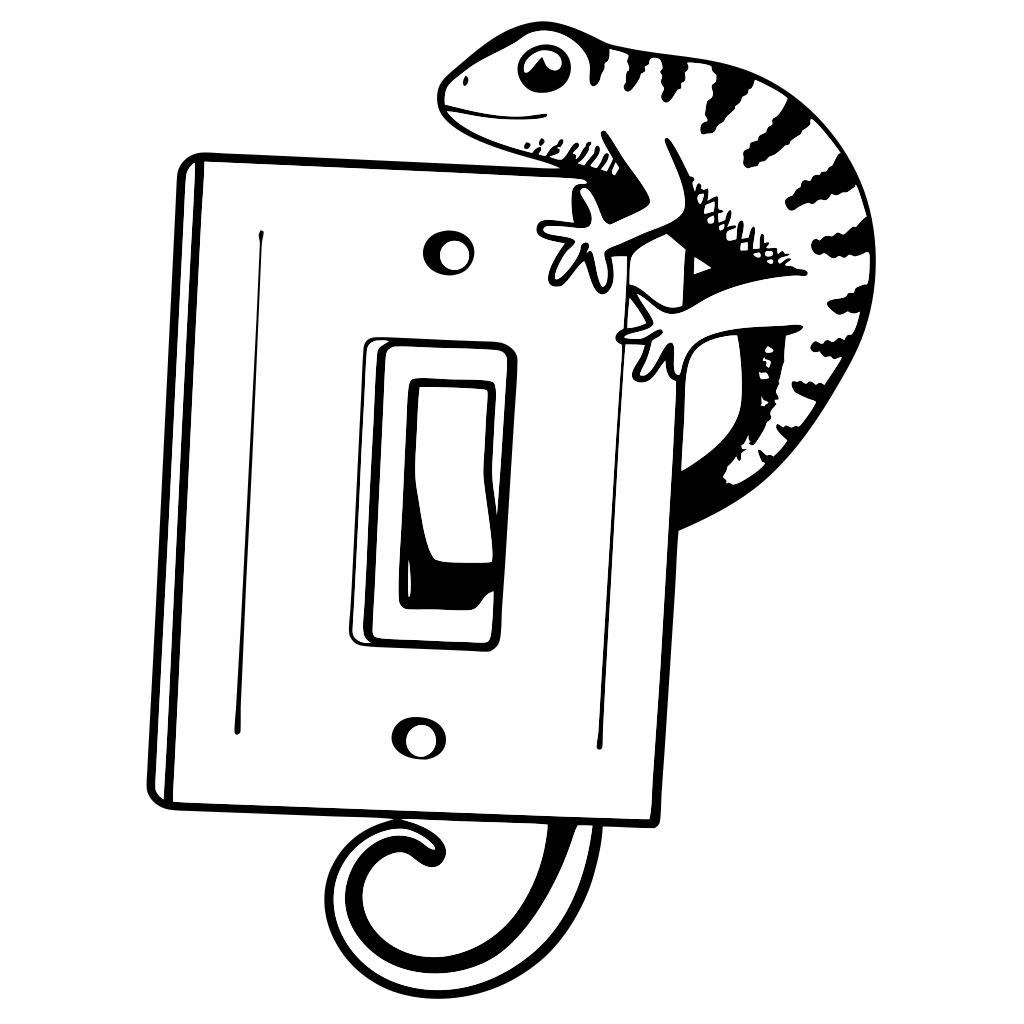


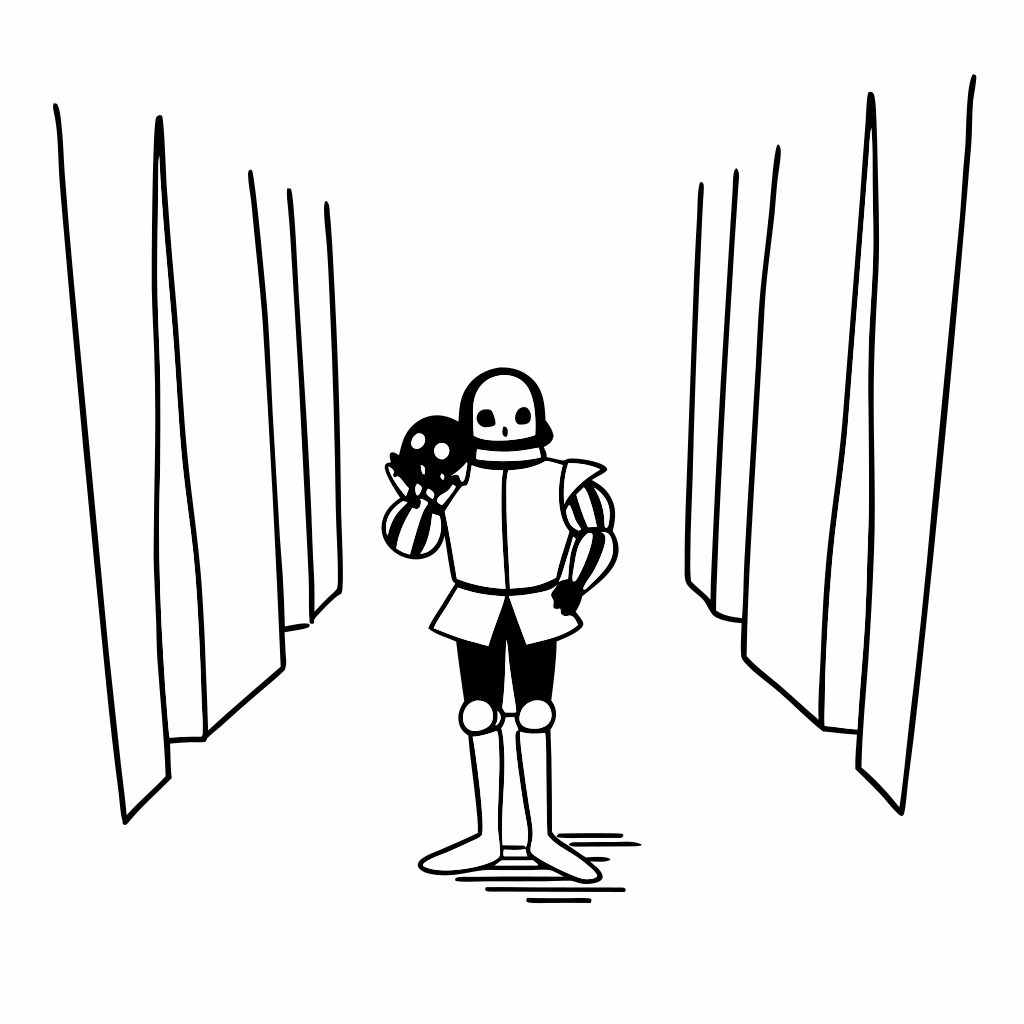
Can't find what you're looking for? Create an illustration in this style.
Create IllustrationAbout Line Doodle illustrations
42
illustrations available
SVG
fully editable format
Free
personal & commercial use
What makes Line Doodle illustrations consistent
Lightweight, editorial sketch Every illustration in this collection follows the same proportions, line weights, and color conventions. This means you can mix and match illustrations from different scenes without visual inconsistency — a critical requirement when building a product that uses illustrations across multiple pages or features.
Consistency is what separates a library you can actually ship from a collection of loosely related assets. With 42 Line Doodle illustrations available, you have enough coverage for most standard UI scenarios: empty states, onboarding, error pages, feature highlights, and marketing sections.
When to use Line Doodle illustrations
Line Doodle illustrations are a strong fit for digital products where visual tone matters: SaaS landing pages, mobile onboarding flows, dashboard empty states, and email campaigns. The style communicates approachability without being childish, which makes it broadly applicable across B2B and B2C contexts.
They are less appropriate for contexts that require photorealism, detailed technical diagrams, or brand illustrations with a custom character system. For those use cases, you would need a bespoke illustration set. But for standard product UI, Line Doodle covers the most common scenarios without needing customization.
Format and how to use
All illustrations are delivered as SVG files. SVG is the right choice for UI work because it scales cleanly at any resolution (retina displays included), can be imported directly into Figma or Illustrator, and adds minimal weight to page loads. You can edit colors, remove elements, or reshape paths without quality loss.
If none of the existing Line Doodle illustrations fit your exact need, you can use the AI generator to create a new one in the same style. The generator uses the same visual constraints as the illustrations in this library, so the result integrates without looking out of place.
License
Line Doodle illustrations are free for personal and commercial use. No attribution required. You can use them in client projects, open-source tools, products you sell, and marketing materials. The only restriction is that you cannot resell the raw SVG files as standalone assets in a marketplace or illustration pack.
Frequently asked questions
- What is the Line Doodle illustration style?
- Lightweight, editorial sketch The Line Doodle style is a cohesive collection of vector illustrations that share the same proportions, line weights, color palette, and drawing conventions.
- When should I use Line Doodle illustrations?
- Best for landing pages, onboarding screens, empty states, and marketing assets where visual tone and consistency matter. With 42 illustrations available, you can cover most standard UI scenarios in this style.
- What format are the illustrations in?
- SVG — fully editable, infinitely scalable, and compatible with Figma, Illustrator, and any vector editor. Ideal for web and product design.
- Can I use these in commercial projects?
- Yes. Free for personal and commercial use, no attribution required. You cannot resell the raw SVG files as a standalone illustration pack.